 YetAnotherConfigLib
Downloads and Compatibility
Start here when a mod names YetAnotherConfigLib as a requirement and you need the right file, not just the newest one. These guides explain how releases are labelled, how version ranges work and how to find an older or snapshot build when your setup needs one.
 Downloads and CompatibilityWhich YACL File Does My Mod Need?Work out which YetAnotherConfigLib file your mod needs from its requirement, your Minecraft version and your loader, in that order.
 Downloads and CompatibilityHow to Read a YACL FilenameDecode a YetAnotherConfigLib filename part by part: library version, Minecraft version and loader, so you can spot the wrong file before you install it.
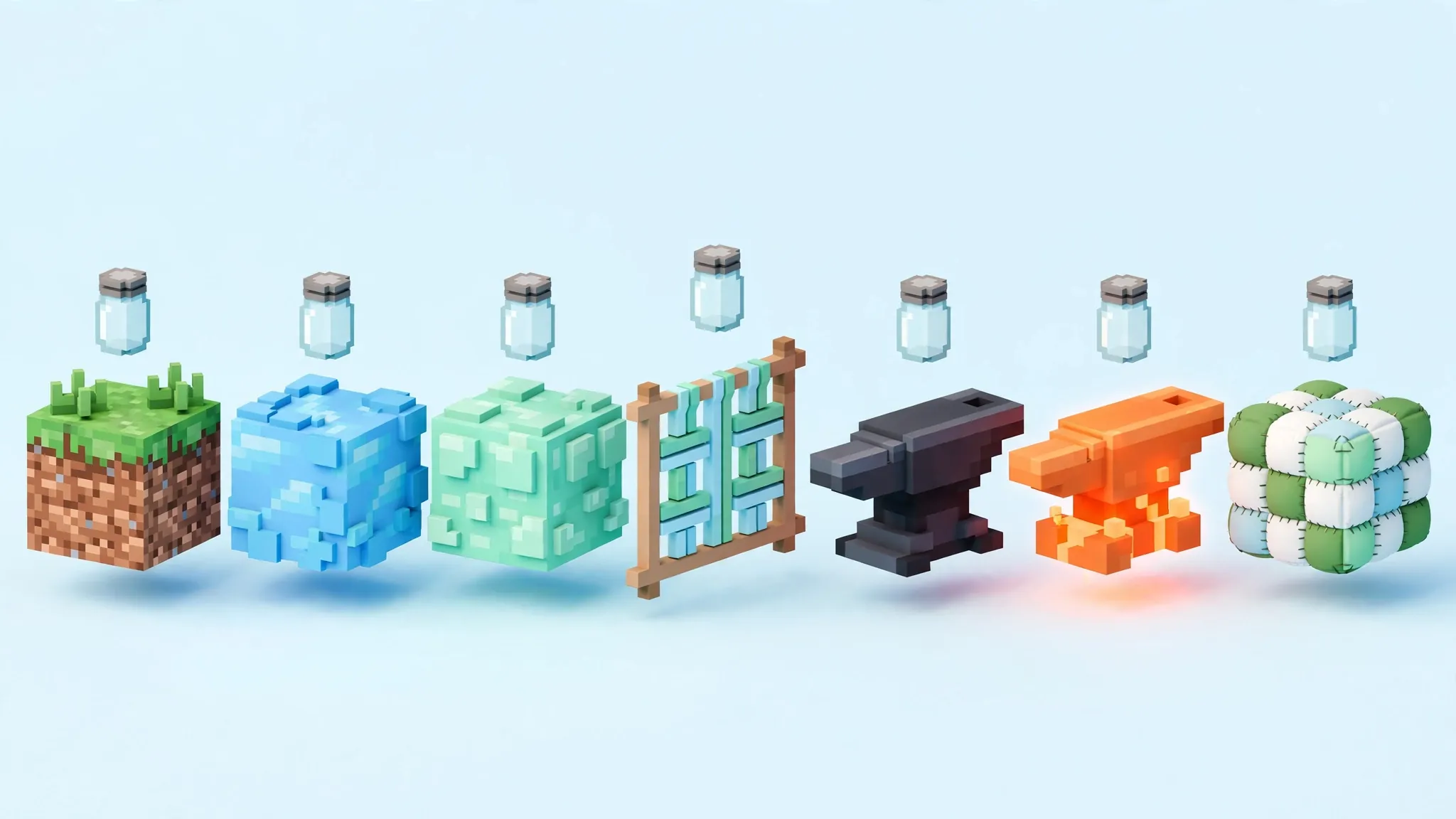 Downloads and CompatibilityYACL for Fabric, Forge, NeoForge and Quilt: What Actually DiffersThe same YACL version ships as separate files per loader. What differs between the Fabric, Forge, NeoForge and Quilt builds, and why the suffix decides whether the game starts.
 Downloads and CompatibilityHow to Find Older YACL Releases for a Pack That Pins a VersionWhen a modpack or mod pins an exact YACL build, find that older release in the finder by fixing the game version and loader first, then walking the release list.
 Downloads and CompatibilityYACL Version Ranges Explained: Minimums, Caps and Exact PinsRead the version condition in a loader error or mod page: what a minimum, a capped range and an exact pin each allow you to install.
 Downloads and CompatibilitySnapshot Builds: Why a Release Can Target a SnapshotA YACL release can target a Minecraft snapshot such as 26.4-snapshot-7. How release status and game version differ, and how to select the exact identifier.
Not sure where your problem fits? Start with the download finder if you still need the file, or the missing dependency guide if the game has already stopped with an error.