 YetAnotherConfigLib
Fix a YACL Version Mismatch
A version mismatch means YACL is present but its number falls outside the condition a mod set. Read the two numbers in the message, what was required and what was found, then replace the installed build with one inside the condition for the same Minecraft version and loader. Do not change your game version to chase the library number.
Separate the three versions in the message
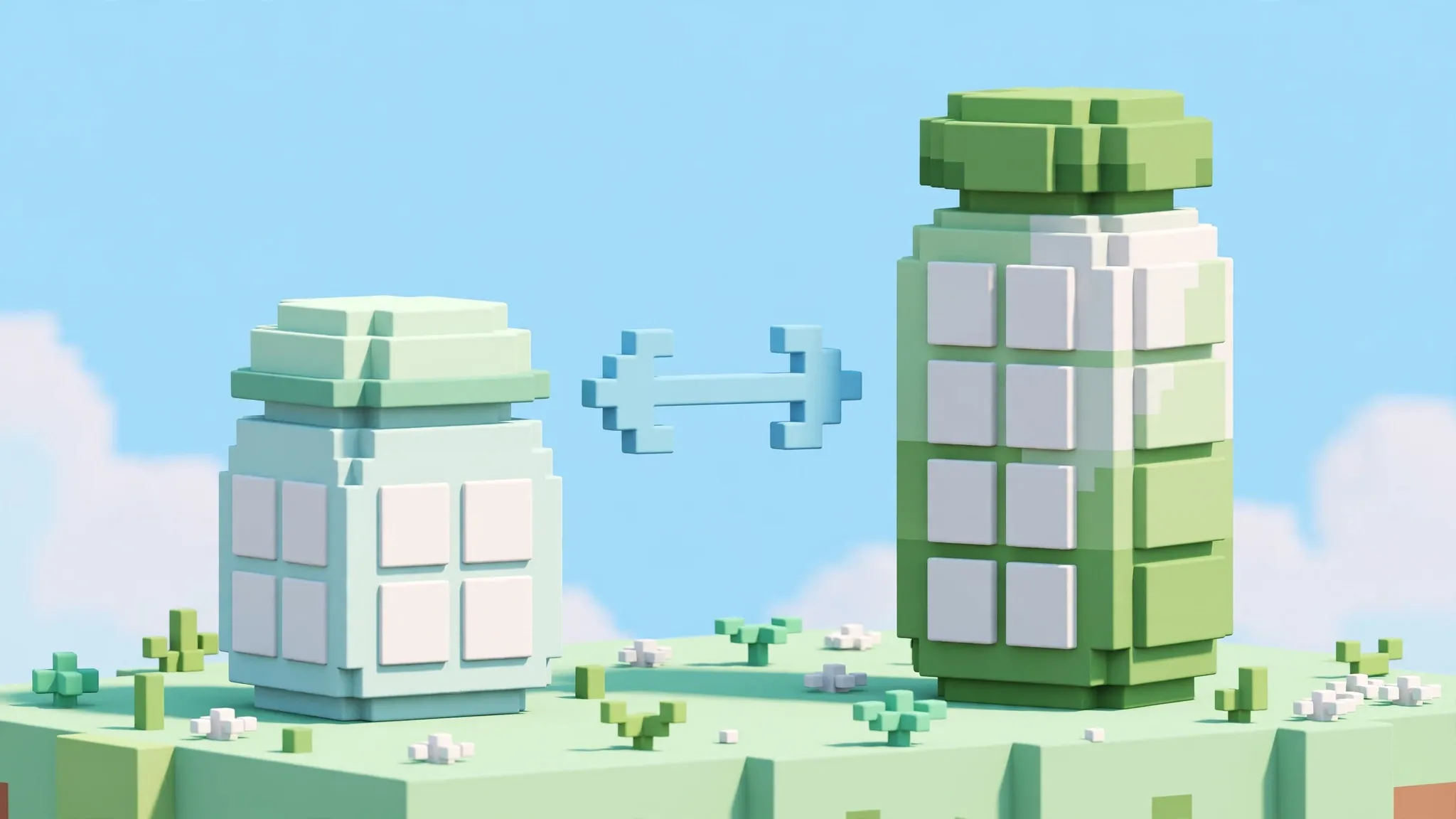
Three different versions crowd these errors: your Minecraft version, the YACL version and the dependent mod's version. A mismatch concerns the middle one. The message tells you the condition the mod set and the library version the loader found. Copy both into a note with labels, because the numbers look alike and swapping them in your head reverses the diagnosis.
Direction matters. Found below the floor means the library is too old for the mod. Found above a ceiling means the library is too new. The two cases have opposite fixes, and both fixes are smaller than players expect: one file swap inside the same game version and loader.
Too old: raise the library, not the game
When the found version sits below a minimum, select a newer build in the finder for your existing game version and loader. The newest build for your combination clears most minimums. Before downloading, confirm the finder actually offers a build at or above the floor for your game version. Minimums can outrun a game branch: a mod release once required YACL 3.7.0 on Minecraft 1.20.1, where that library line was never published. If the finder shows nothing at the floor for your version, stop and read the guide to a required version that does not exist, because no file swap can fix that one.
Replace the old file rather than adding beside it. Move the current JAR out of the mods folder to a backup location, then place the new one. Leaving both invites the duplicate problem and makes the next error message list two found versions, which muddies the comparison you are relying on.
Too new: step down inside the cap
A ceiling means the mod was built against an earlier library line and its author capped the range. Newer is not better here; it is simply outside. Use the finder with your game version and loader fixed, walk the release list down to the newest build that sits inside the cap, and install that one. The older-releases guide covers the walk in detail.
Resist updating the mod instead, unless the mod itself has a newer release whose range accepts your library. Updating the mod changes two variables and may pull in its own new requirements. The single-file step-down is the smaller, reversible move, and your backup of the newer file makes it free to undo.
What not to change
- Do not change the Minecraft version to make a library number fit. The rest of the pack is matched to your game version, and moving it trades one mismatch for many.
- Do not edit the mod's metadata or use dependency overrides as a first resort. Overrides exist, and community threads document them, but they silence the check rather than satisfy it; a mod can then fail later in stranger ways. Treat them as a last resort for a documented case, never as the standard fix.
- Do not rename files to alter the apparent version. The loader reads the version from inside the file.
Each of these shortcuts converts a clear, one-file problem into an unclear, many-file one. The range system is doing you a favour by stopping the game early with a precise message. Work with it.
Mismatch after a mod update
The classic trigger is a mod update that raised its floor. Your library did not change; the requirement moved. The fix follows the direction of the move: raise the library inside its allowed range, in the same game version. Before doing so, glance at the mod's changelog for the update. Authors usually announce a new library requirement there, and the announcement confirms your reading of the error. It may also name the exact library build they tested, which is the one to pick when several builds satisfy the range.
The mirror trigger is a library update that crossed a ceiling while the mod stayed put. That one arrives after you updated the library for a different mod's sake. The overlap method from the which-file guide applies: find the build inside both mods' conditions, and let that build serve both.
Keeping a mismatch diary
Profiles that mix many mods collect these events. A tiny diary in the profile notes, one line per event with the date, the mod, the condition and the build you settled on, turns the third mismatch into a pattern you can see. Patterns suggest strategy: a mod that raises its floor every release may be worth updating last, after its library settles, rather than first.
Mismatch inside a pack after the pack updates
Pack updates change several files at once, and a mismatch afterwards usually means the update itself is inconsistent or partially applied. Before swapping library builds by hand, let the launcher repair or reinstall the pack update, because the author's exported set is supposed to agree with itself. If a clean reinstall of the pack still mismatches, the author's release has a genuine fault, and your hand-swap in a copy is a reasonable local patch while you report it with the message attached.
Hand-swapping inside the author's set without a copy is how packs drift into states nobody can support. The copy discipline costs one instance slot and buys you the right to experiment.
Two mods, two directions
The hardest mismatch is a tug of war: one mod's floor above another mod's ceiling, with no build between. Confirm it by writing both conditions down and reading the release list for your game version once more. If the gap is real, one mod must change version or leave. Choose by which mod you use more, and note the exile in the profile record so a future update session does not re-add the exiled mod and restart the war.
Writing down the two numbers that matter
Every mismatch involves exactly two numbers: the condition, with its direction, and the build in the folder. Write them as a pair, floor 3.7.0, found 3.6.6, before you open any list. The pair tells you which direction to travel in the release list, and it protects you from the most common fumble, downloading a newer build when the condition was a ceiling, or an older one when it was a floor. Players fix mismatches in minutes once the pair is written, because the release list then reads as a menu with one correct neighbourhood instead of a wall of numbers.
Keep the pair in the profile notes after the fix. The next mismatch in that profile will involve one of the same mods, and its history is the fastest predictor of its new condition.
Game updates that manufacture mismatches
Moving a profile to a new game version rebuilds the library question from zero, but the mods carry their conditions with them, sometimes raised for the new version. A set that agreed on the old version can therefore mismatch on the new one even with the library correctly re-selected, because the strictest mod's floor moved. Expect it, re-read the conditions after any game-version move, and do not interpret the message as your library selection having failed. The selection answered the catalog; the conditions are a separate negotiation, and both must be satisfied before the game starts.
Asking for help with a mismatch
If you take a mismatch to a forum or a mod's support channel, bring the pair, your game version and loader, and the exact message. Reports written that way get answers in one round, because they contain everything a helper would ask. Reports that say only that the game will not start begin a long archaeology. The pair is also what the author needs to spot the embarrassing case, their own impossible requirement, which happens often enough that a precise report is a genuine service to the next player.
Mismatch is information, not failure
A mismatch message means the system worked: it compared two numbers and refused to guess. The refusal protected your world from a pairing the mod's author never tested. Read it as a precise instruction with the numbers attached, act on the pair you wrote down, and the same system that stopped you will wave you through on the next launch.
Verify the fix
- Start the same profile and reach the title screen.
- Open the mods list or latest.log and confirm the loaded YACL version is the one you just installed.
- Open the settings screen of the mod that raised the mismatch and change one option.
- Play briefly. Some version problems surface only when the mod exercises the library, not at startup.
If a new message replaces the old one, compare them. A changed message means the library question is settled and a different requirement has surfaced, which is progress you can measure.